01
Start with a working production slot
The official game description says players are not kicked for being AFK. That is a server-idle statement, not proof that every stage of the economy runs without input.
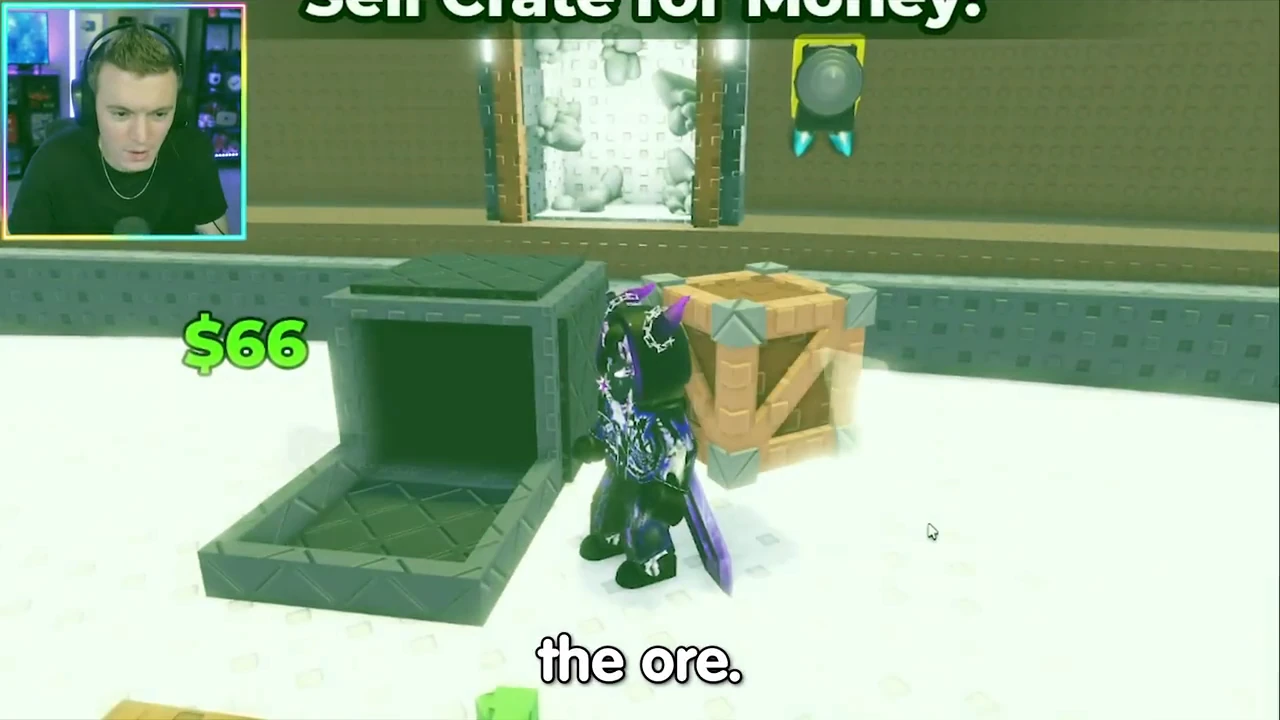
Use a slot with a placed ore and visible drone activity. The recorded first-slot route places Stone in a free tutorial slot, after which a drone works and output accumulates. Do not infer that every additional slot is free.
02
Find the first stage still waiting for you
Watch one short interval while online, then compare the ore, collection stack and wallet. Do not change drone upgrades or add another slot during that observation. The useful finding is which stage moves and which remains waiting.
| Observed stage | What to inspect | What it does not prove |
|---|---|---|
| Placed ore and drone | Production activity and resulting output | That every later stage pays automatically |
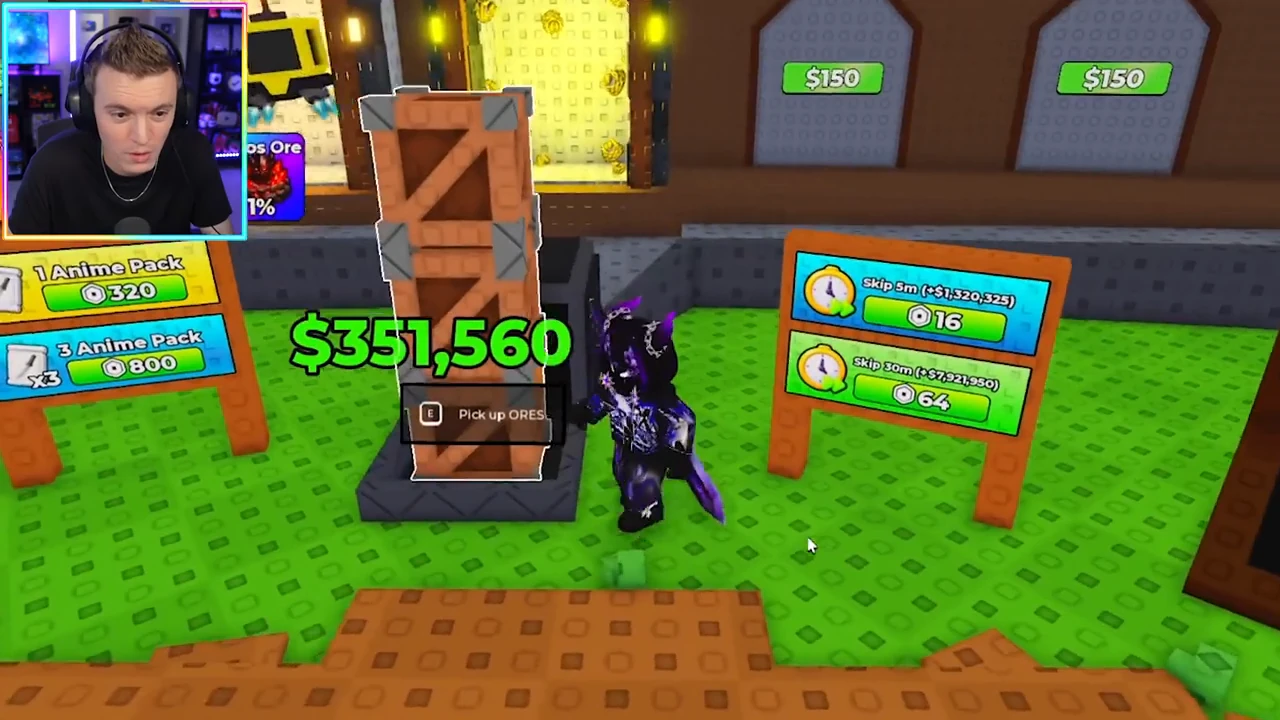
| Stacked output | A waiting collection and its displayed value | That the value is already wallet cash |
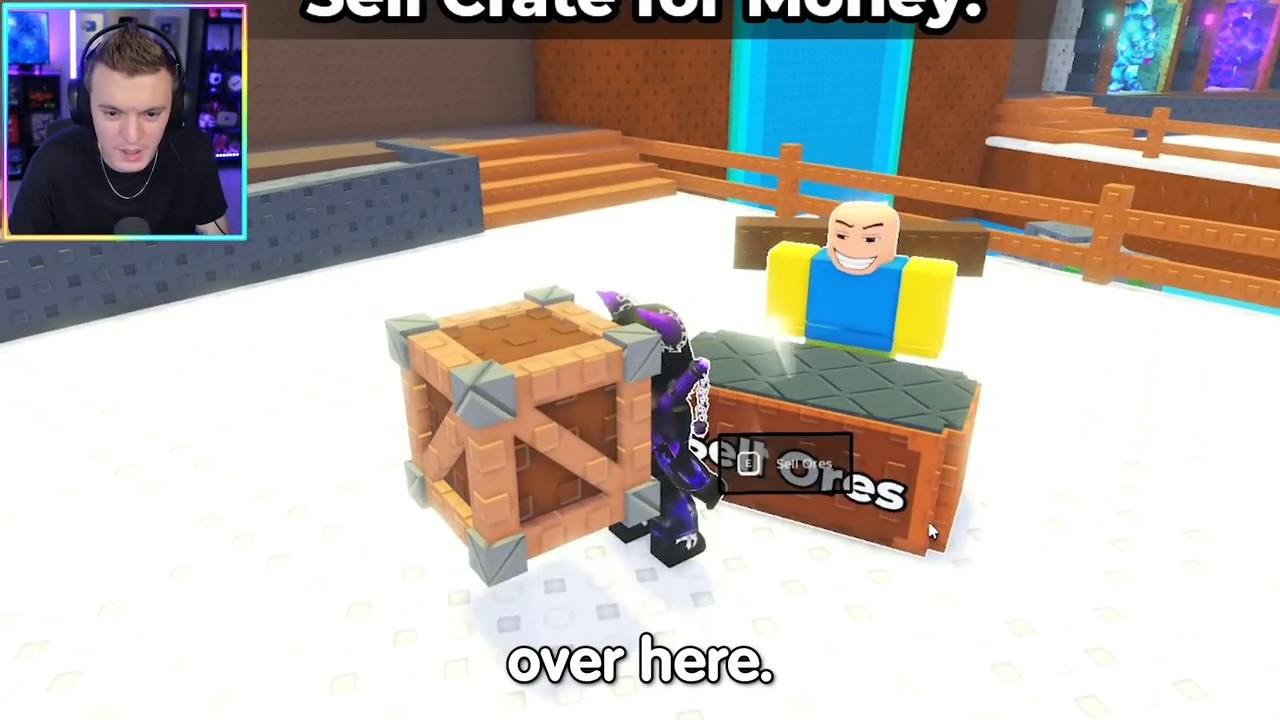
| Sell Ores interaction | The sale and subsequent wallet change | That the same sale occurs while you are away |
03
Finish the waiting collection and sale when you return
In the recorded action sequence, the player picks up the output, goes to Sell Ores and uses the displayed interaction. The wallet rises after the sale. Those visible actions make the cash result traceable; the source does not demonstrate an unattended automatic sale.
If your current client offers an additional automation feature, verify that feature and its result separately. Do not assume it from this historical manual route.
04
Keep online and offline boost conditions separate
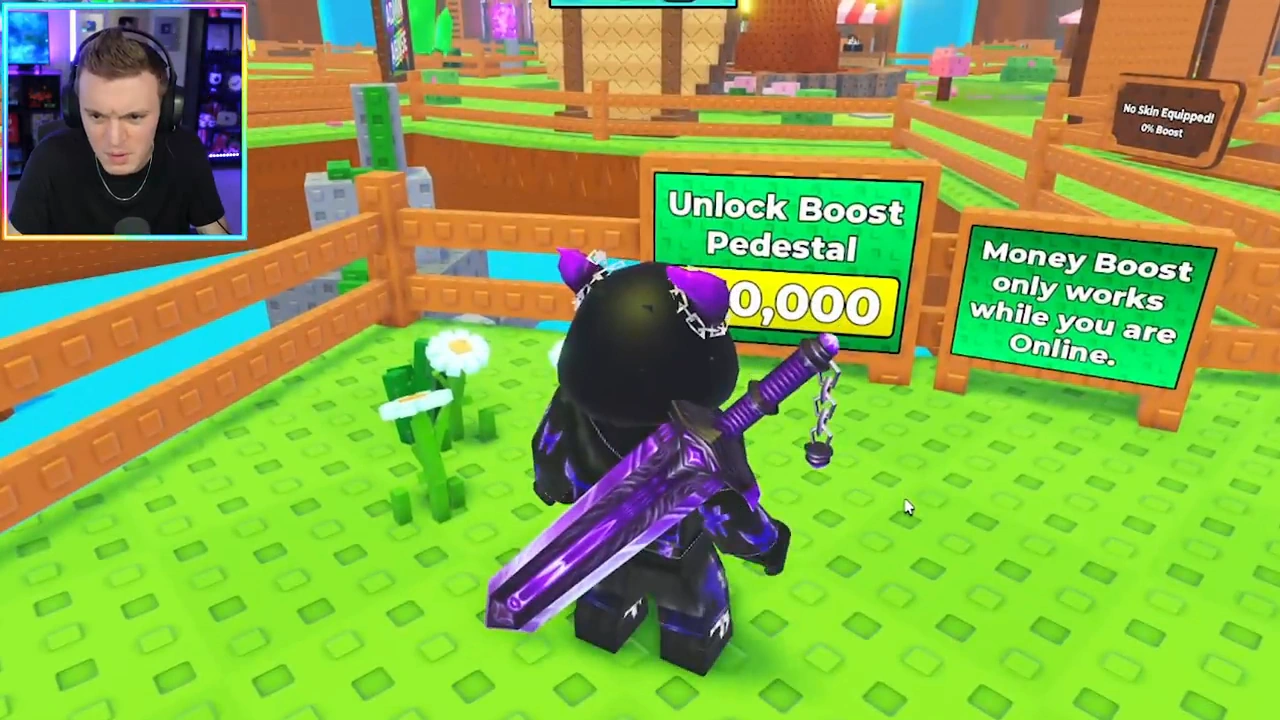
The Money Boost sign says the boost only works while online. Treat an online idle test and a logged-out interval as separate conditions. A stayed-connected session cannot establish the same boosted rate offline.
05
Use the result to choose the next action
If production moves but output remains waiting, complete the collection-and-sale step before calling the wallet stalled. If the production slot itself shows no activity, check its placed ore and the visible upgrade or capacity state first. Do not spend on an unrelated upgrade simply because its price is affordable.
No universal storage cap, kick-free duration test or unattended profit rate is established by this footage. Record only what your current idle interval shows.