01
Purchase price belongs to the roll pedestal
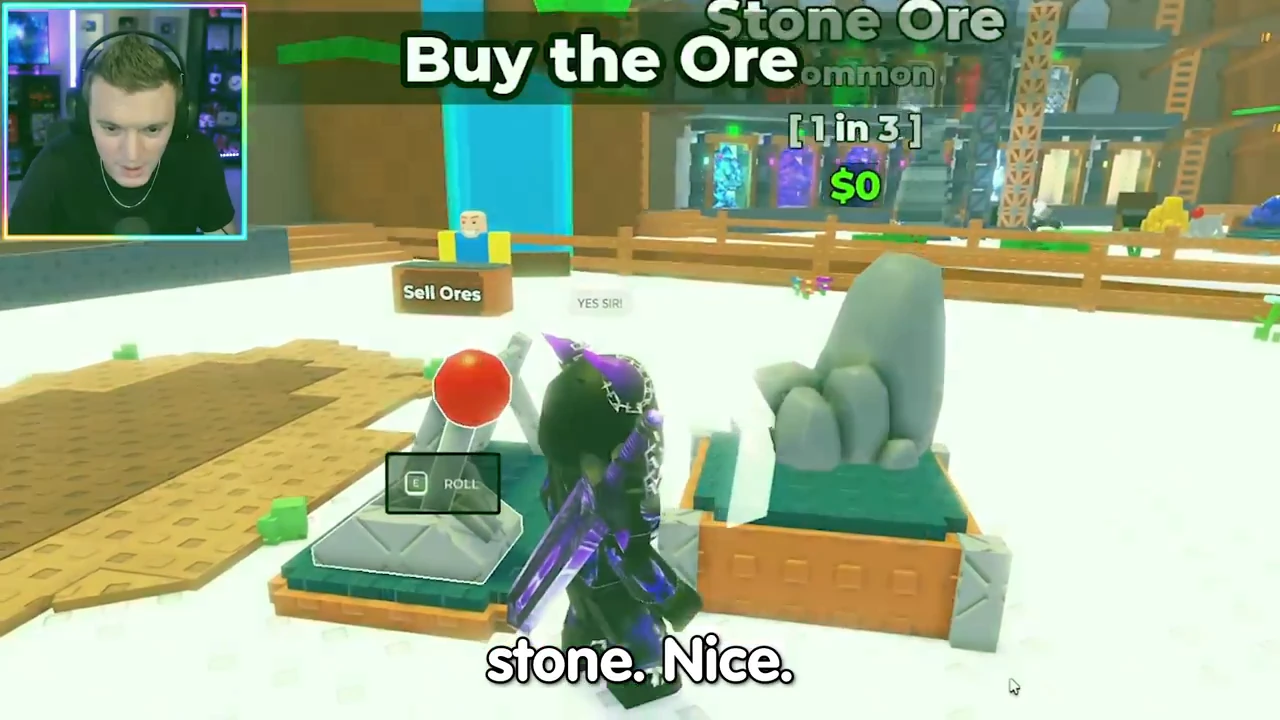
The tutorial purchase in CoralBlox’s August 29 recording shows Stone Ore, Common, 1 in 3 and $0. Here $0 belongs to the purchase offer; 1 in 3 is a separately displayed chance. Neither label tells you the total cash a later crate will contain.
This is the introductory Stone offer. Use the price beside the ore you are actually buying rather than assuming all Stone purchases or later rolls are free.
02
A placed ore has a unit value and a level
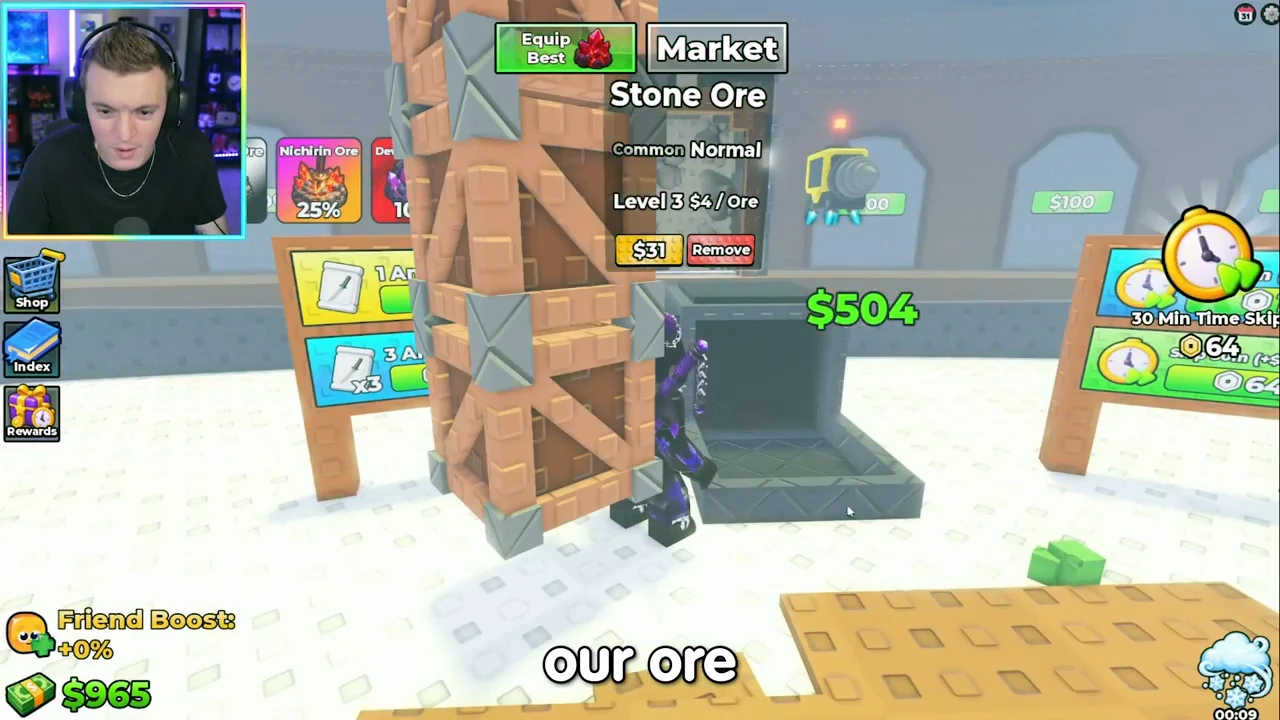
Later, placed Stone Ore reads Common Normal, Level 3 and $4 / Ore. Keep the level and state with that value. The unit says per ore, not per second or per minute, so this number alone cannot give a cash rate.
The $31 button underneath is a separate control. Do not copy it into a sale-value column merely because it sits next to the ore. Upgrade prices, ore values and crate totals answer different spending questions.
03
Follow one output amount through its sale
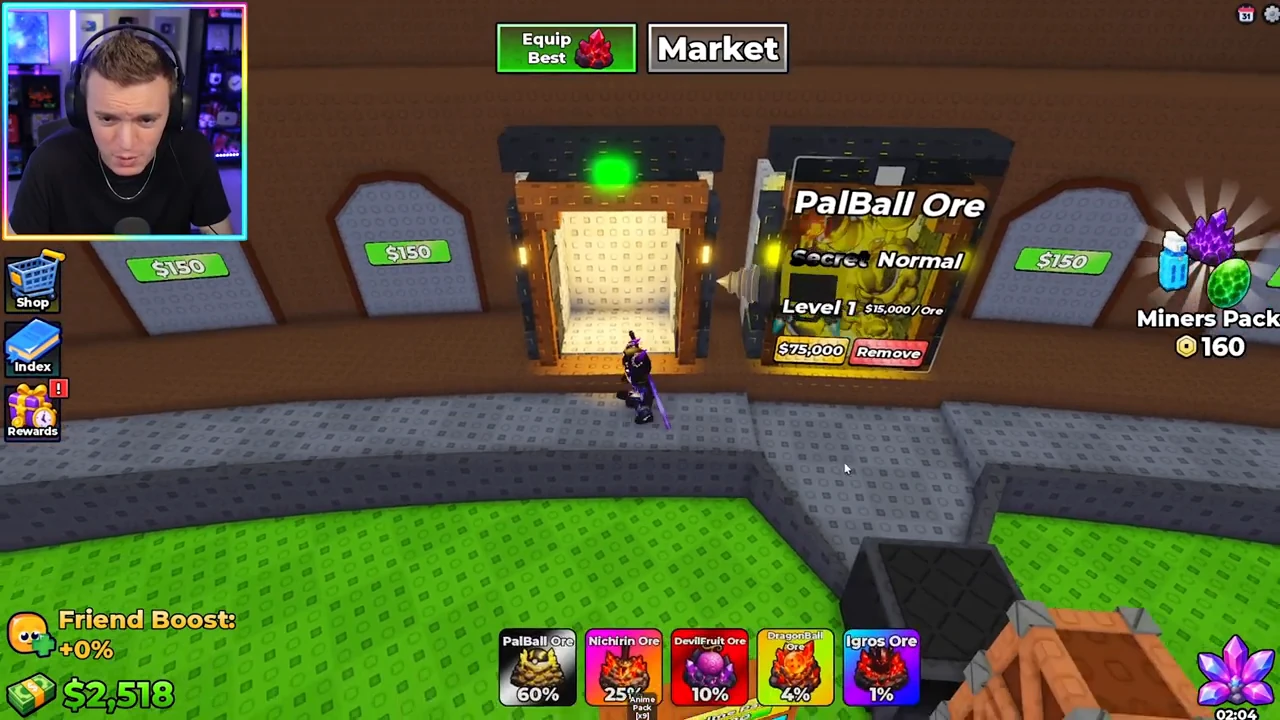
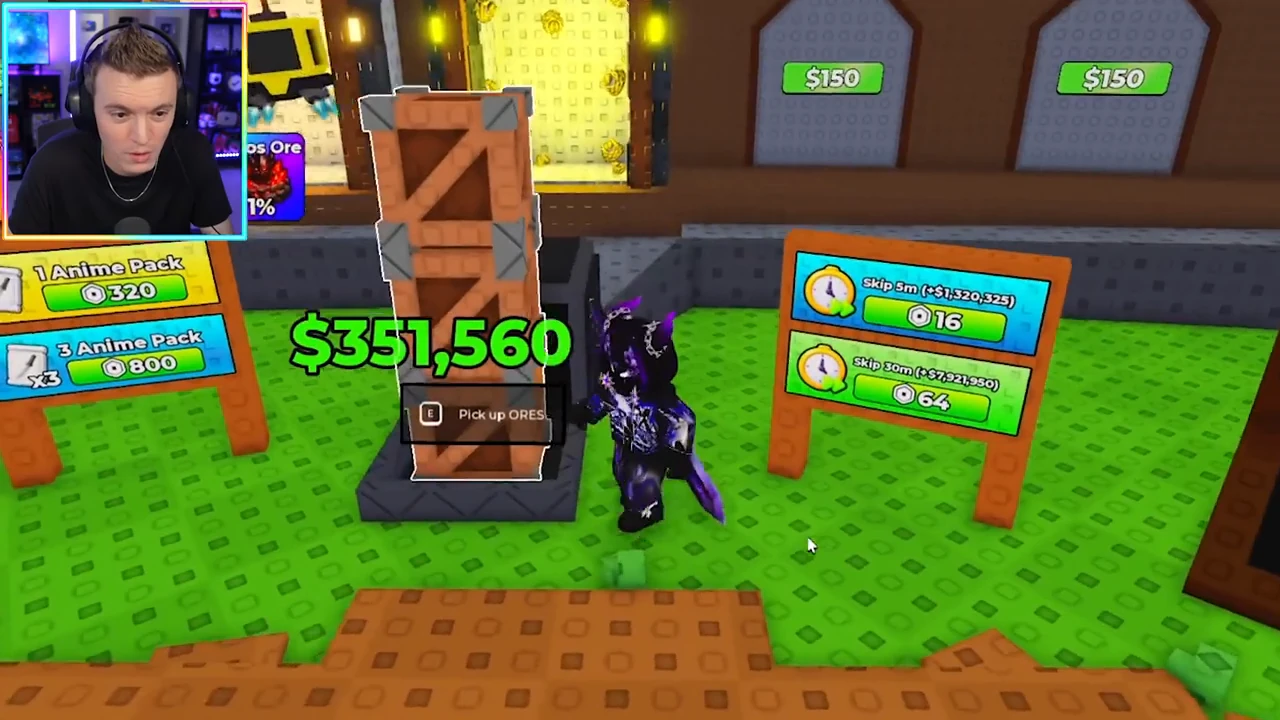
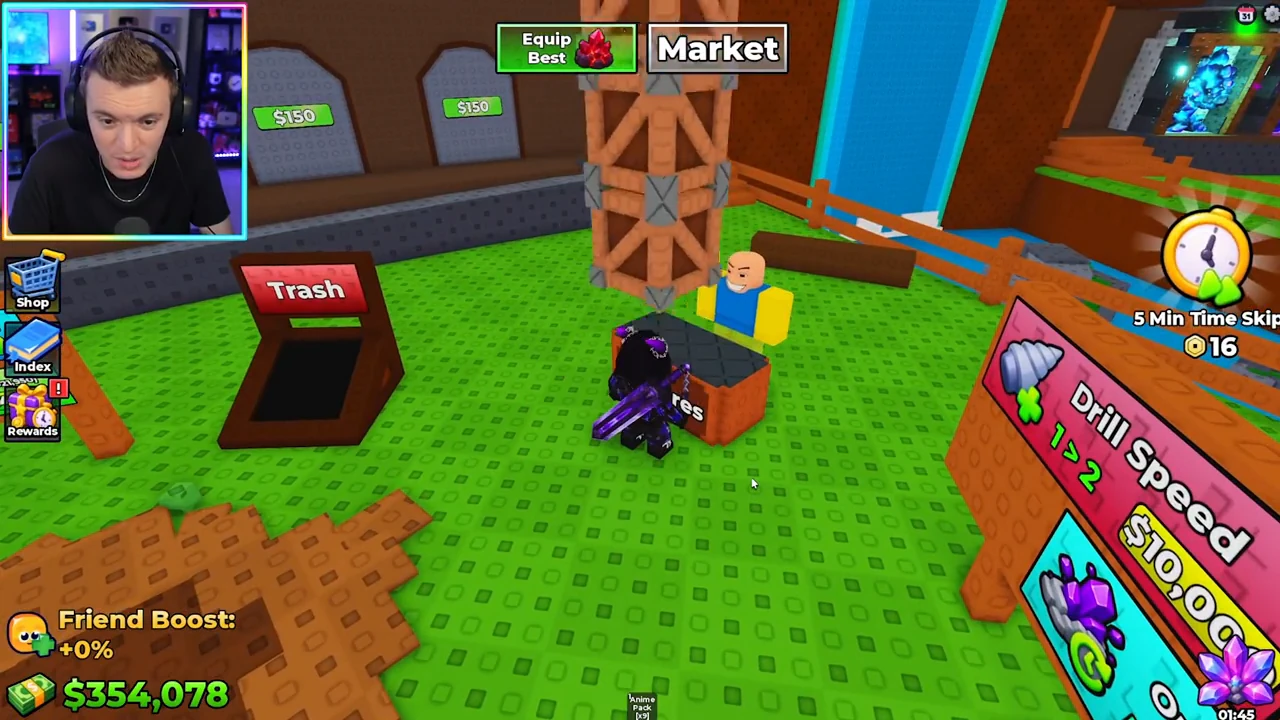
In the PalBallOre scene, the placed Level 1 Secret Normal ore reads $15,000 / Ore and the wallet is $2,518. The ready output then shows $351,560 with a pickup prompt. After the player carries the output to the seller, the wallet reads $354,078.
The wallet difference is $354,078 − $2,518 = $351,560, matching that displayed output. This is a completed recorded sale. It does not mean one ore always pays $351,560 or that the ten seconds between selected video moments were the full production cycle.
04
Compare like-for-like labels
| Question | Amount to read | Do not substitute |
|---|---|---|
| Can I buy this rolled ore? | Purchase offer on its pedestal | A placed ore’s unit value |
| What unit value does this placed state show? | Its $ / Ore label with level and state | A per-second or per-minute rate |
| What output is ready to collect? | The collection total beside the pickup prompt | The ore purchase price |
| How much cash did the sale add? | Wallet after sale minus wallet before sale | A furnace queue or unsold crate total |